POS-n-go Android POS Manual
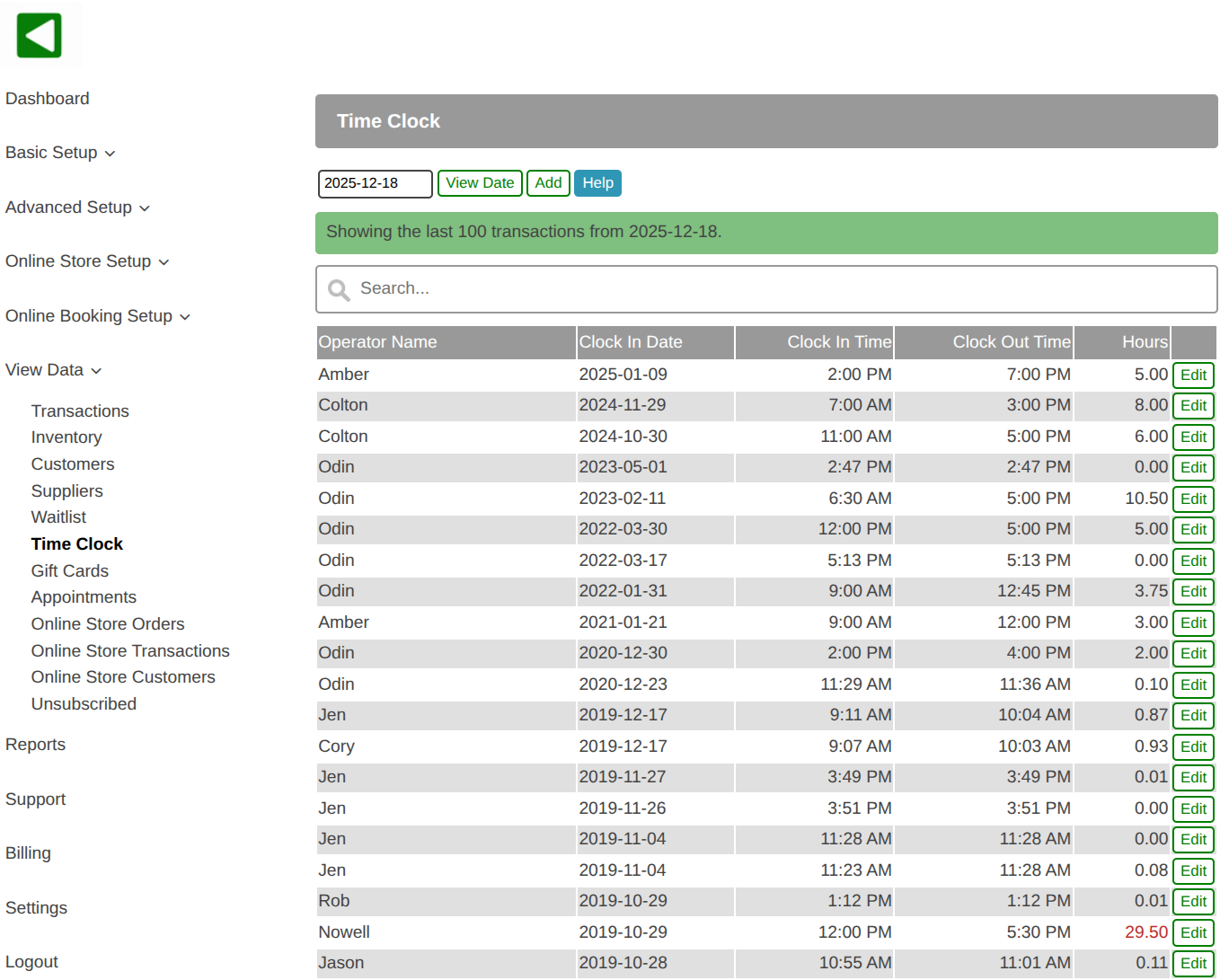
- Operator time clock entries are viewed and managed in the web portal, View Data, Time Clock.
- A list of all time clock entries is displayed.
- Optionally use the date to select a list of entries from the past.
- Use the search box to filter the list by operator name.
- To create a new time clock entry select the Add button.
- To make changes to an existing time clock entry select the Edit button.
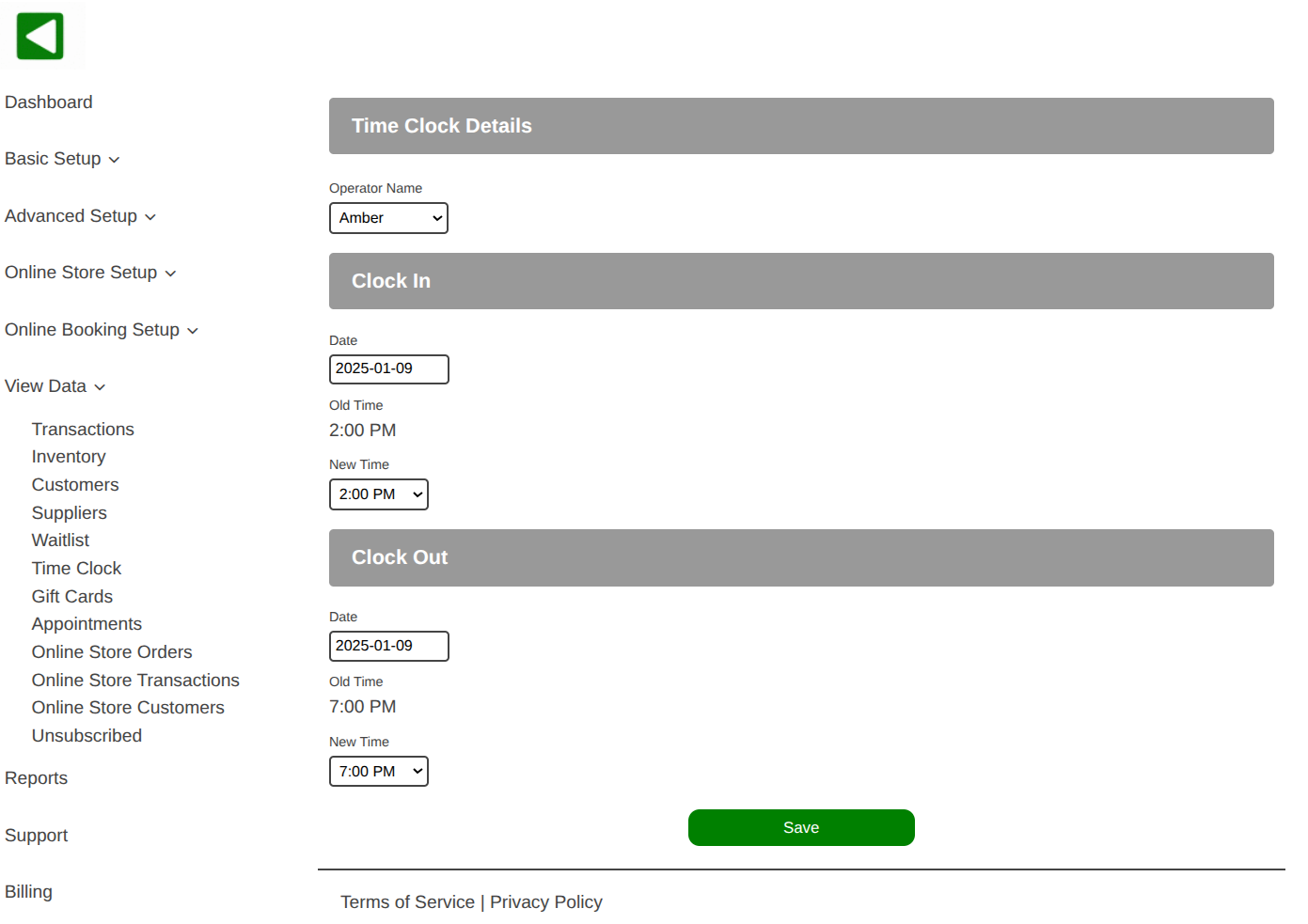
- All time clock information can be viewed and updated including the operator name, clock in date, clock in time, clock out date and clock out time.