POS-n-go Android POS Manual
A Virtual gift card order must be active in Advanced Setup, Gift Card Orders in order to create on-demand QR code gift cards.
QR code printing is supported on PAX, Poynt and Elo PayPoint Plus devices along with Star and Epson printers.
- Create a new order.
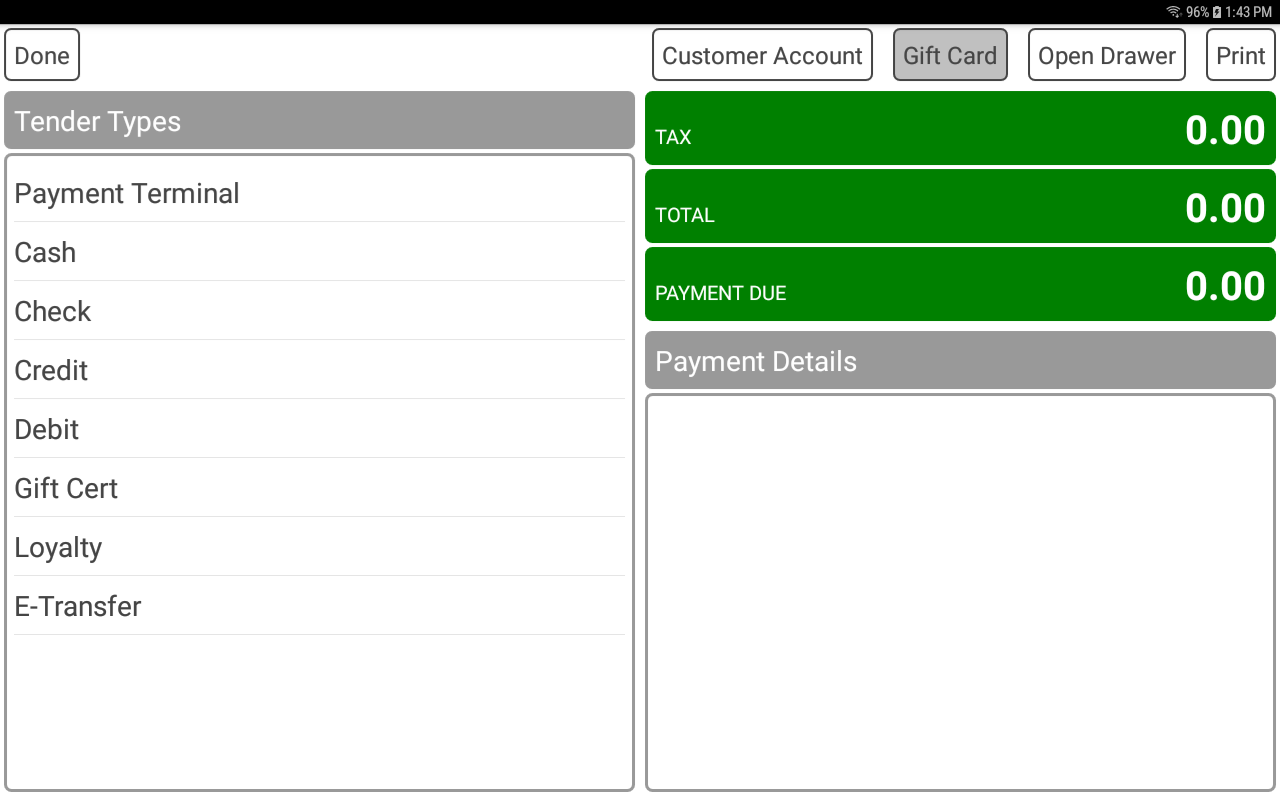
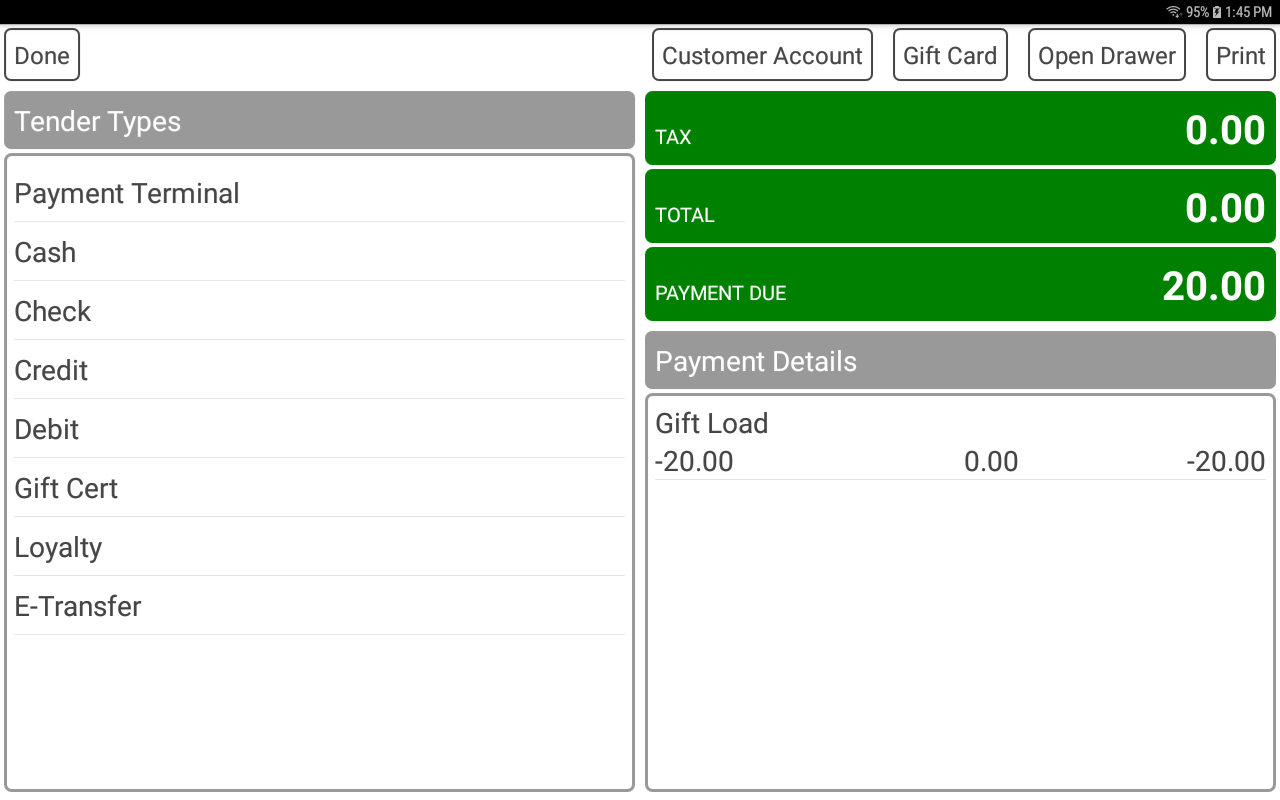
- Select the PAY button to go to the payment screen.
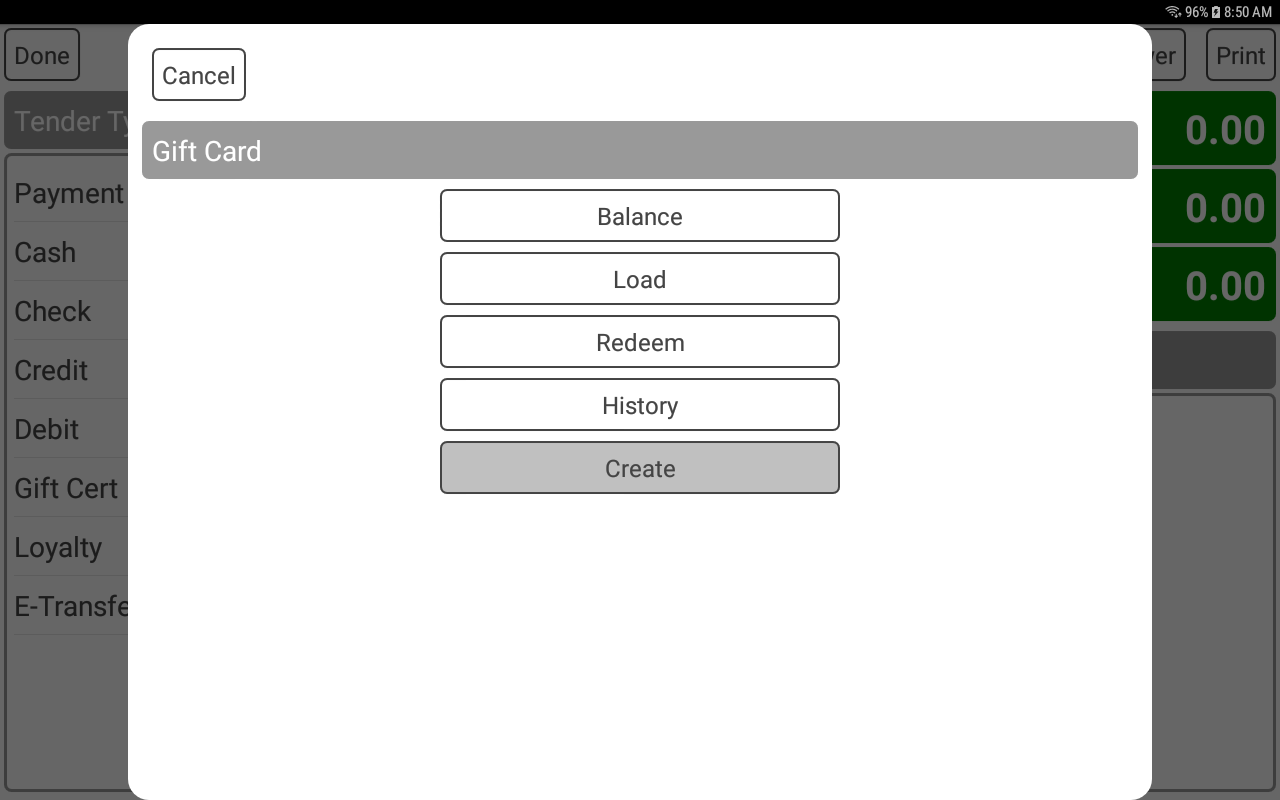
- Select the GIFT CARD button.
- Select the CREATE button.
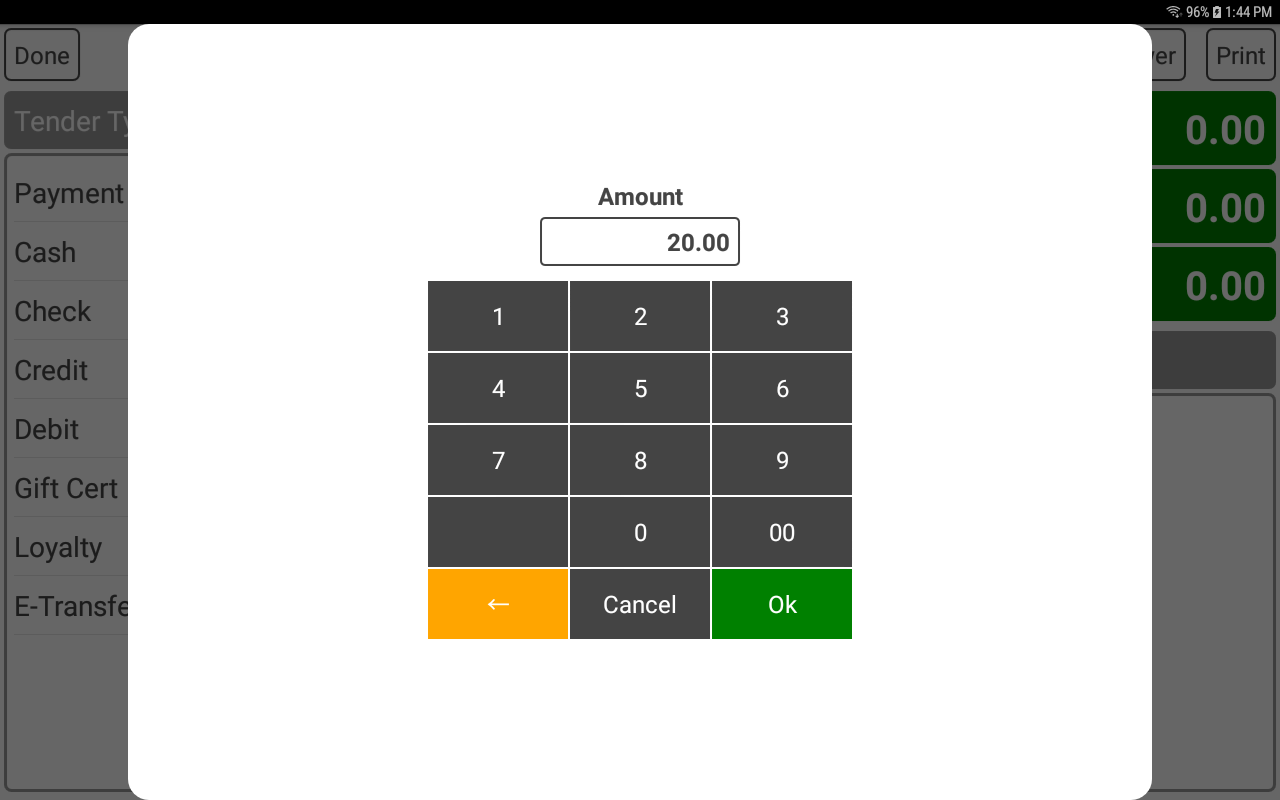
- Enter an amount to load on to the created gift card.
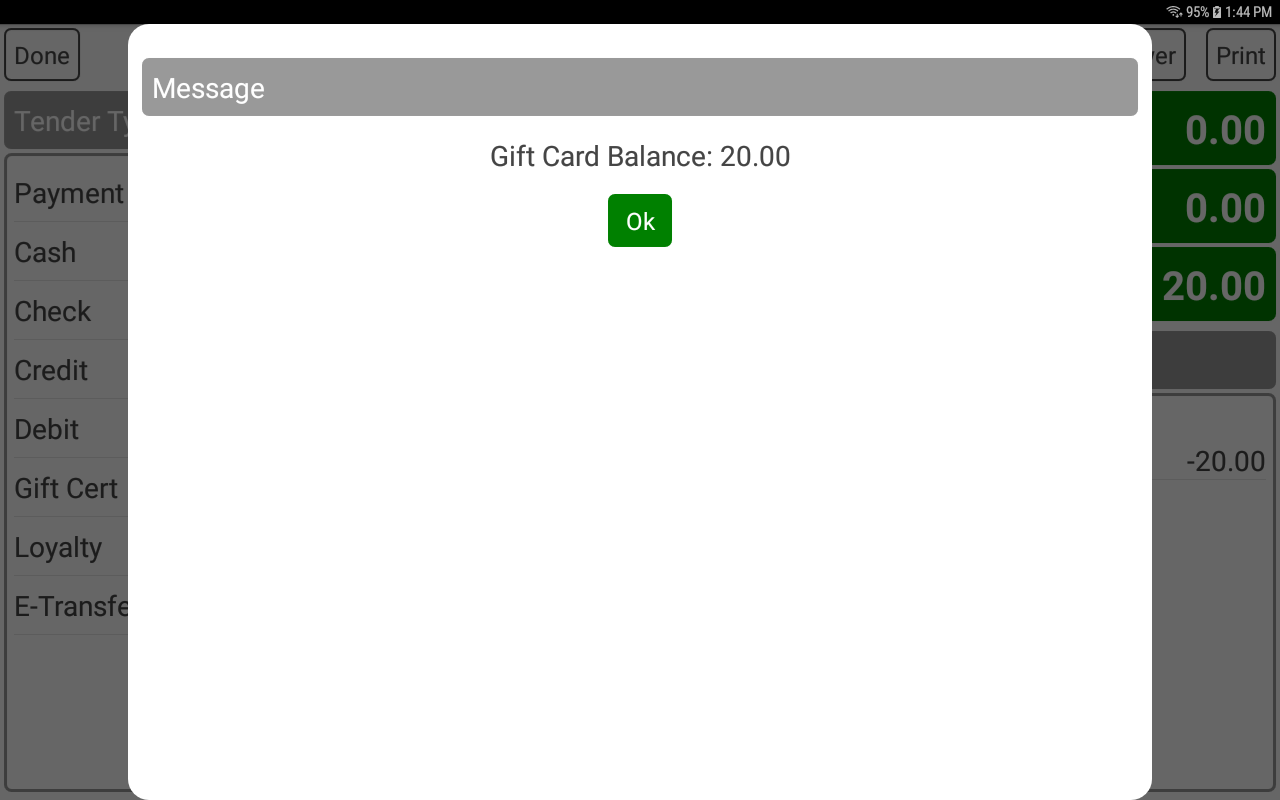
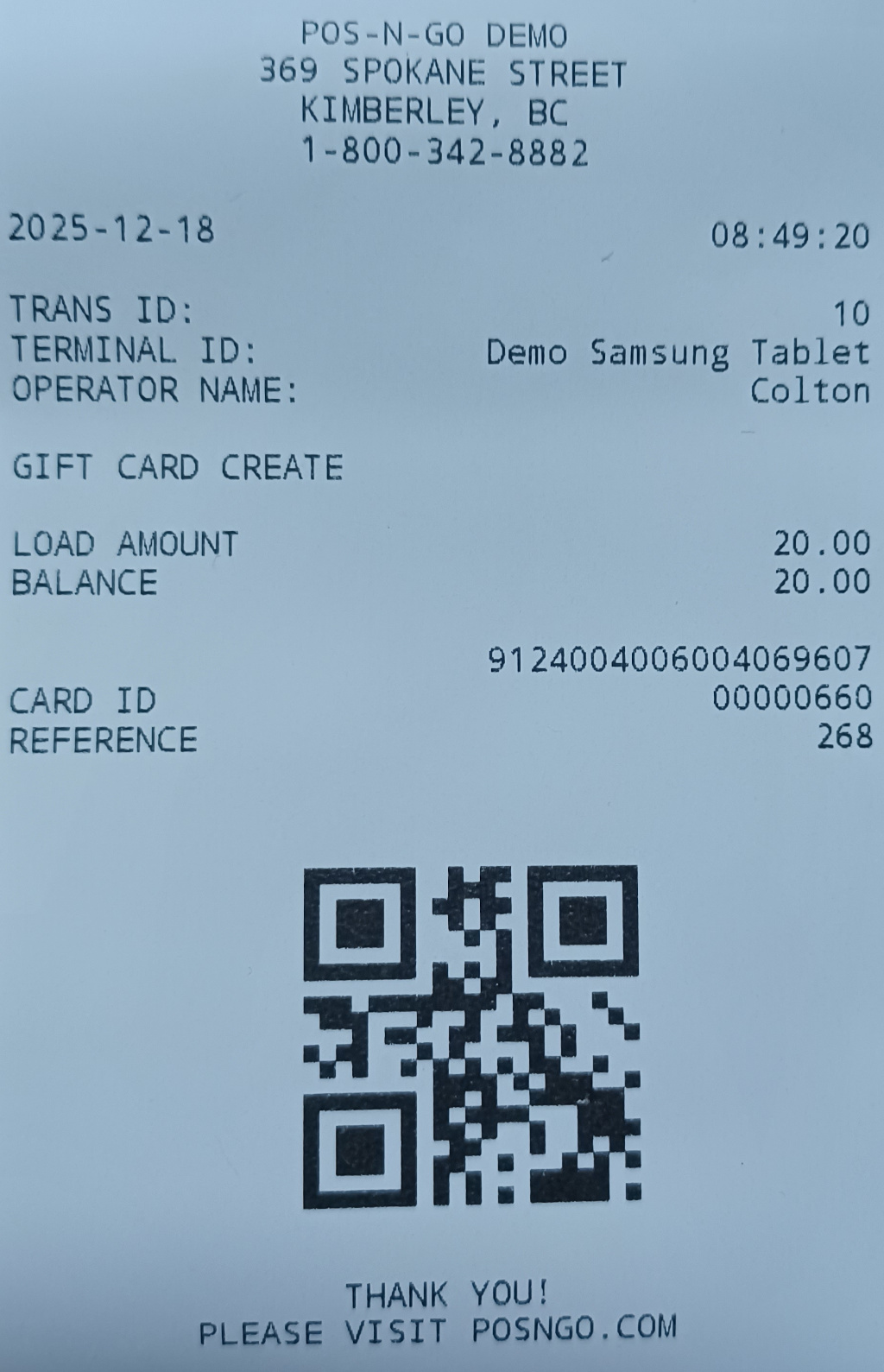
- A gift card receipt will be printed and the card balance displayed.
- The receipt will display a QR code for future transaction processing.
- Once processed tender the order with the method of payment, such as cash.