POS-n-go Android POS Manual
- Suppliers are viewed and managed in the web portal, View Data, Suppliers.
- Suppliers can be used to products for inventory order fulfilment.
- Suppliers can also be used for consignment account tracking.
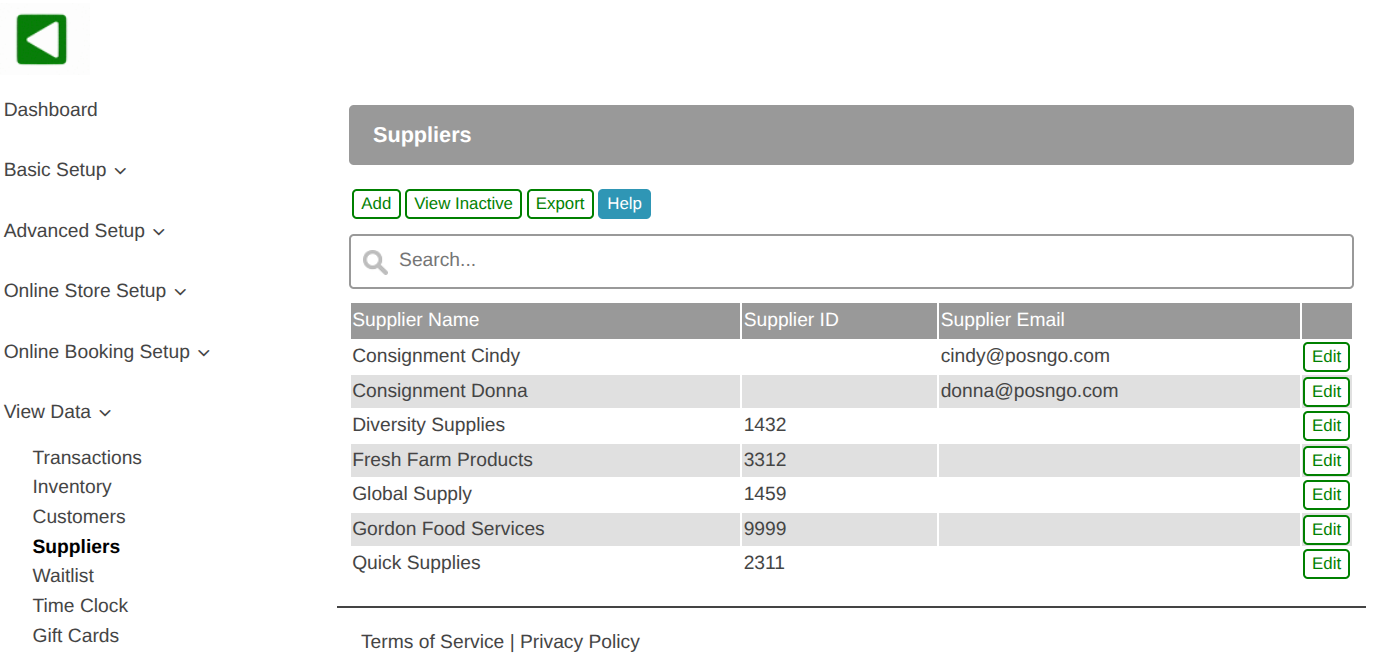
- A list of all suppliers is displayed.
- Use the search box to filter the list by supplier name.
- To create a new supplier select the Add button.
- To make changes to an existing supplier select the Edit button.
- The Export button allows you to export the list of suppliers in CSV format for a spreadsheet.
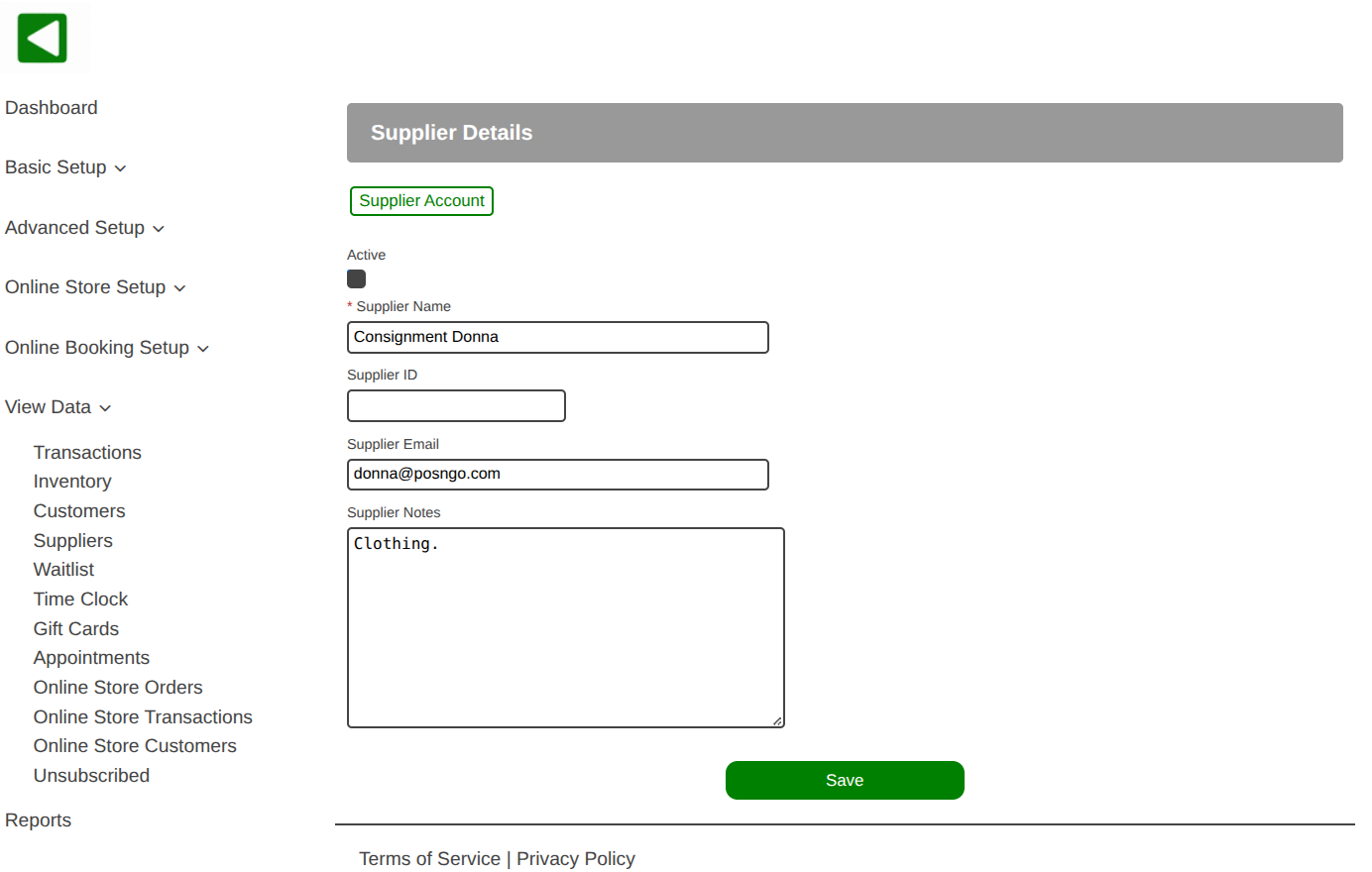
- All supplier information can be viewed and updated including the name, supplier ID, email address, and notes.
- To view the supplier account transactions select the Supplier Account button.
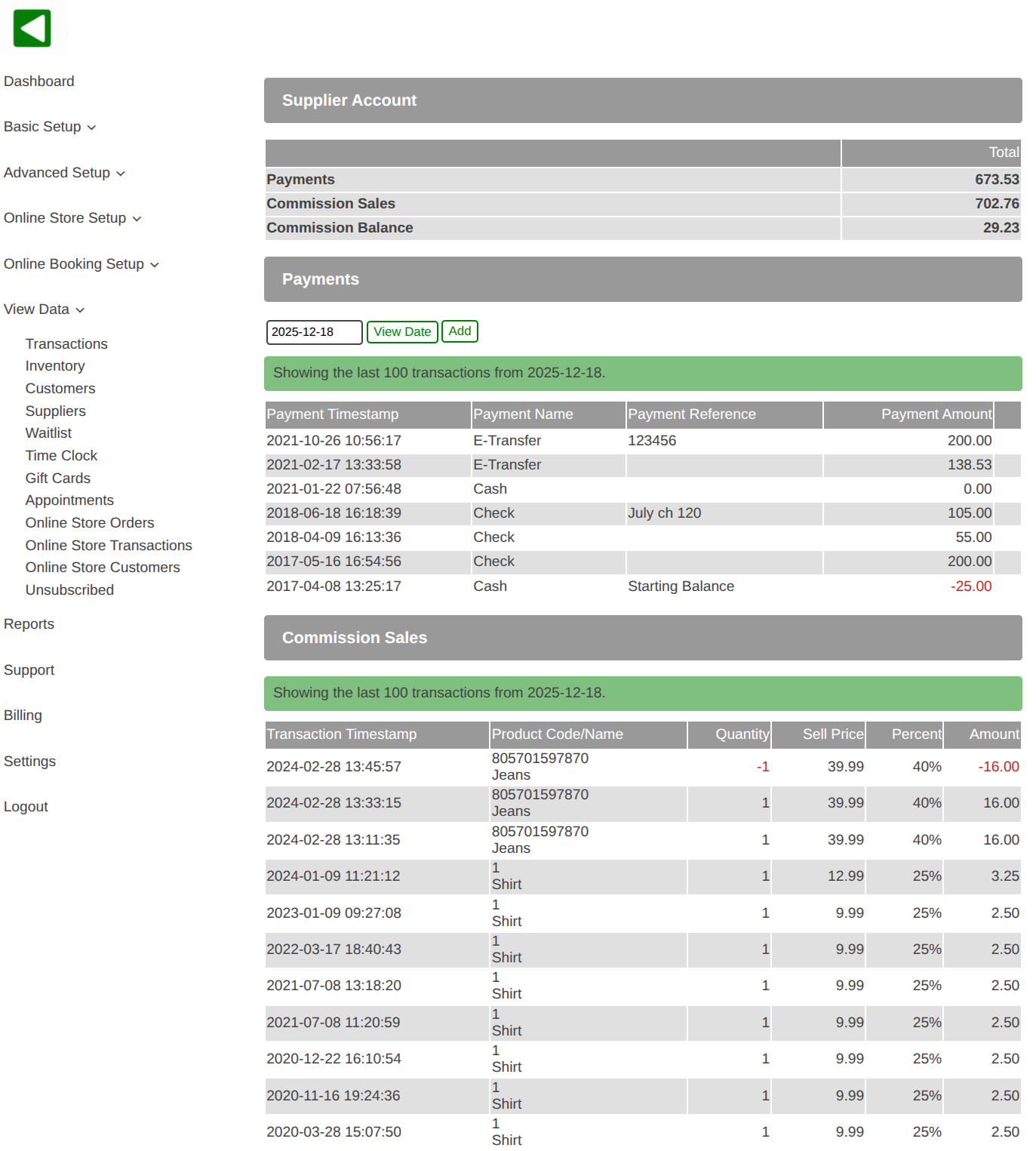
- A list of supplier account transactions is displayed.
- A list of supplier consignment commission sales is displayed.
- Optionally use the date to select a list of transactions from the past.
- To create a new transaction on the supplier account select the Add button.
- To make changes to a transaction from the current day select the Edit button.
- Transactions from the past cannot be modified, create a new reversing transaction if needed.